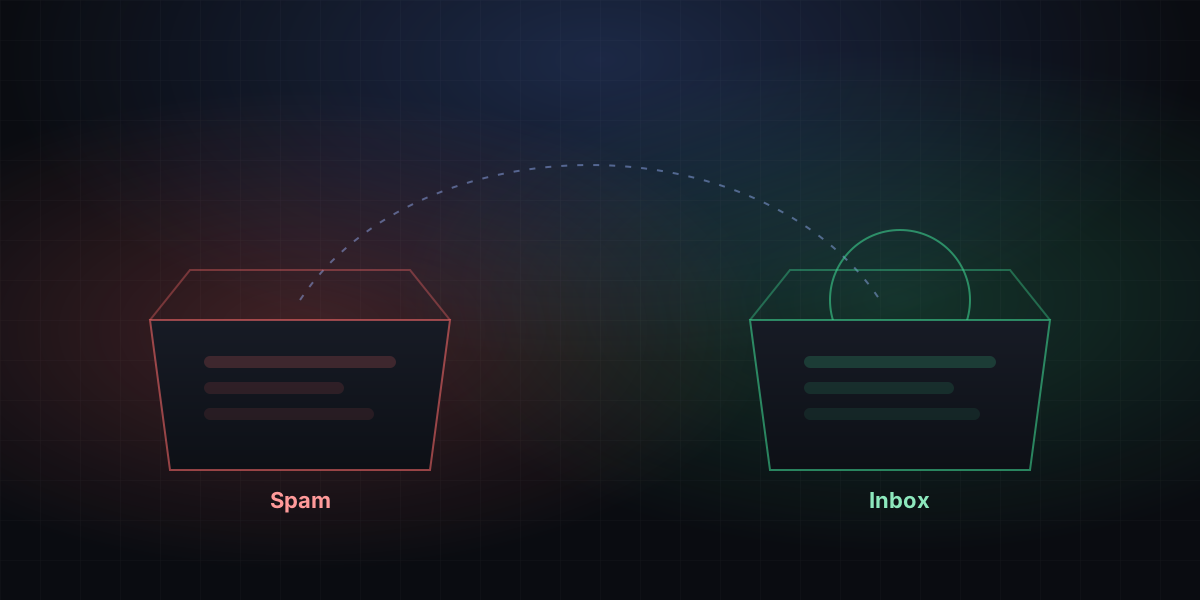
You send a verification code, the user says it never arrived, and it turns up in their spam folder. Almost every product hits this. There are many possible causes, but the order matters: start with the most common and easiest to fix.
1. Does authentication pass?
Send one to your own Gmail, open "Show original", and look at SPF, DKIM and DMARC. If any of them says FAIL, stop and fix it first. It's the single biggest cause. See this guide for the setup.
2. Sending IP reputation
Receivers remember the history of every IP. A new IP has no history and gets treated with caution. An IP that was previously used for spam is even worse.
- Check whether your IP is on a blocklist at MXToolbox.
- Sign up for Google Postmaster Tools to see how Gmail rates your domain and IP.
- Ramp up volume on a new IP slowly. See IP warm-up.
3. Does the content look like spam?
Filters do look at content, but it's less mysterious than people think. These points cover most of it:
- Include both HTML and plain text. A message that's one big image with almost no text is easy to block.
- Keep link domains consistent with your sending domain, and avoid URL shorteners.
- Go easy on exclamation marks and words like "free" or "winner" in the subject.
- Make the sender name say who you are, like "The Acme Team", not just a bare email address.
4. Sending habits
This is the one people overlook most, and it has the biggest effect:
- Don't keep mailing addresses that don't exist. Lots of hard bounces make receivers suspect your list. BulkMail adds these addresses to a suppression list automatically and skips them next time.
- Send verification codes and marketing mail separately. Marketing mail naturally gets more complaints, and that drags down your codes. Use different subdomains at the very least.
- Don't spike suddenly. If you normally send a few hundred a day and one day send a hundred thousand, you will almost certainly be throttled.