Right after you get a dedicated IP, delivery in the first week often looks poor. There's nothing wrong with the IP. The receivers just don't know it yet. Warming up means spending a few weeks letting each mailbox provider get used to it.
Why warm up
Gmail and Outlook score every sending IP. An IP with no history that suddenly sends a large batch looks exactly like a freshly launched spam server. The result is throttling, delays and the spam folder.
On the other hand, if you send steadily every day, recipients open the mail, and almost nobody complains, the score climbs over time.
A four-week plan
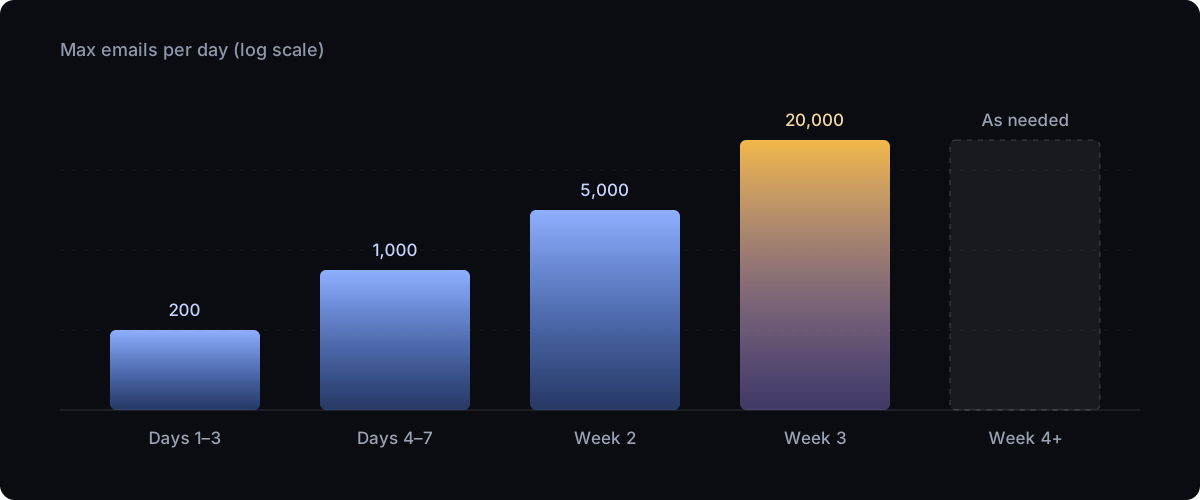
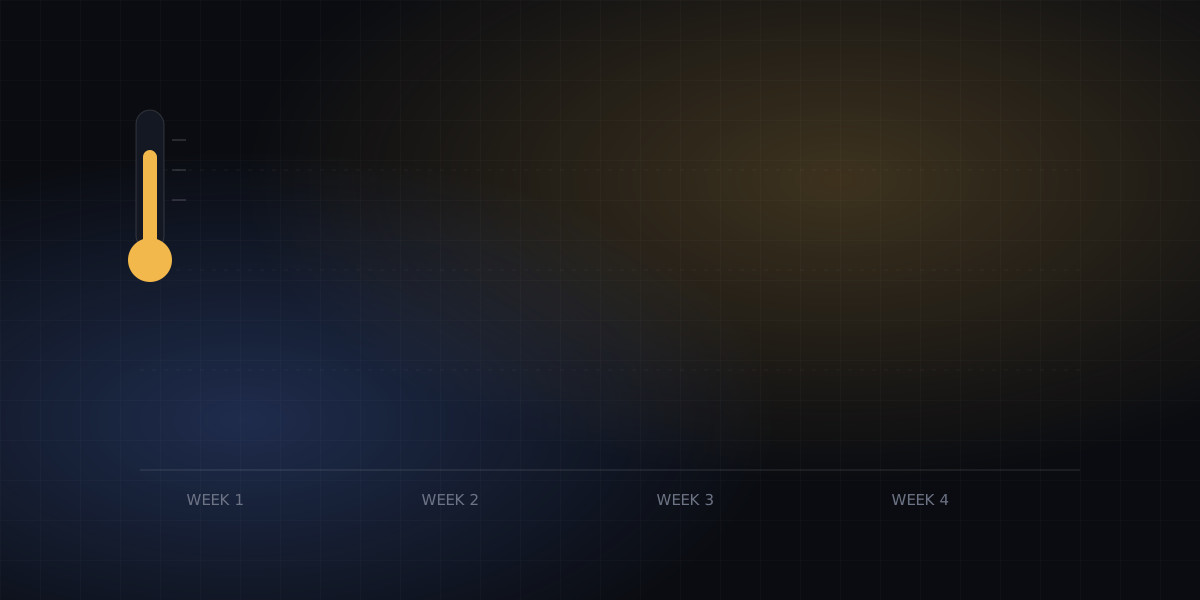
| When | Daily total | How |
|---|---|---|
| Days 1–3 | 50–200 | Only your most active users, such as those who logged in this week |
| Days 4–7 | 200–1,000 | Roughly double each day |
| Week 2 | 1,000–5,000 | Watch bounce and complaint rates, and keep going only if they look fine |
| Week 3 | 5,000–20,000 | Gradually bring in more types of mail |
| Week 4 on | As needed | Keep it steady and avoid sudden spikes |
This isn't a hard rule. If bounces rise noticeably, or Gmail starts returning 421, hold at the current volume and watch for a couple of days.
Who to send to first
During warm-up, start with the mail least likely to cause trouble: verification codes, login alerts and order notifications. Recipients are waiting for these, so open rates are high and complaints are near zero. That builds IP reputation fastest. Leave marketing mail until last.
Metrics to watch
- Hard bounce rate: ideally under 2%. Above 5%, stop immediately and clean your list.
- Complaint rate: under 0.1%. Gmail is very sensitive to this.
- Delays and temporary rejections: lots of 4xx responses mean the receiver is throttling you. Slow down.
The BulkMail dashboard overview shows bounce and complaint rates for the last 7 days, and each message's delivery log shows the receiving server's raw response.