Resend has become popular in the last few years: a clean API, good docs, and a nice fit with React Email. BulkMail takes a similar approach, so where are the differences?
Information about Resend comes from public material as of November 2026. Prices and policies may have changed, so check the Resend website for current details.
What's the same
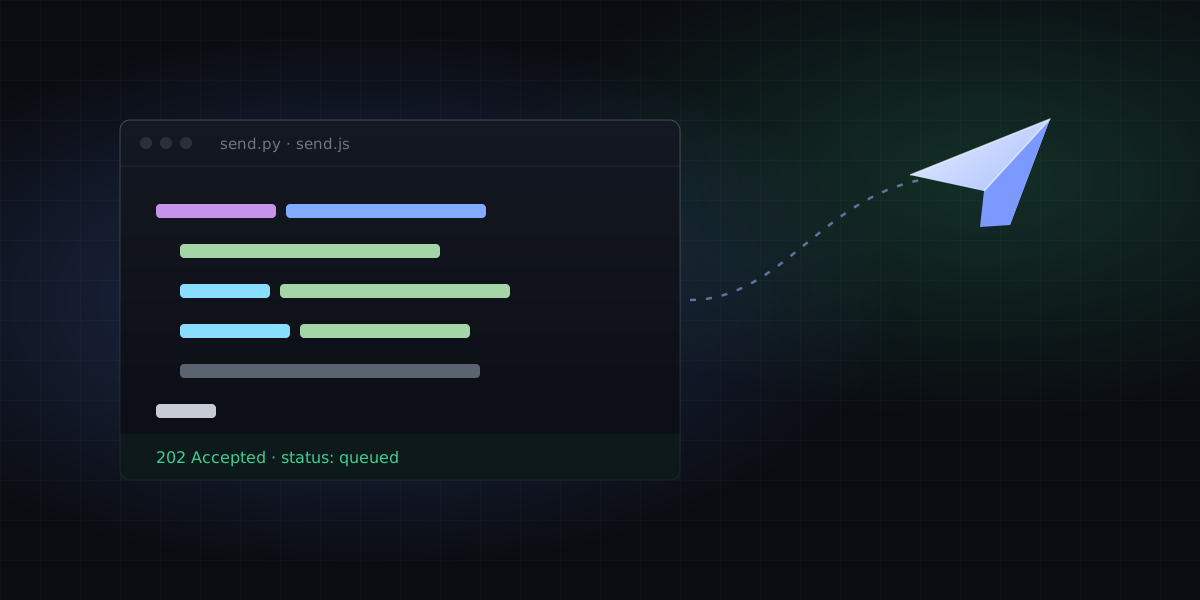
- Both are REST APIs. One POST request sends an email, from any language.
- Both require you to verify your sending domain, and both sign with DKIM automatically.
- Both have webhooks that report deliveries, bounces and complaints.
- Both have a free tier, so you can try before you commit.
The main differences
| BulkMail | Resend | |
|---|---|---|
| Interface and docs | Chinese and English | English |
| Payment | USDT (activated automatically), Alipay, WeChat Pay, bank transfer | International credit card |
| Currency | CNY / USDT | USD |
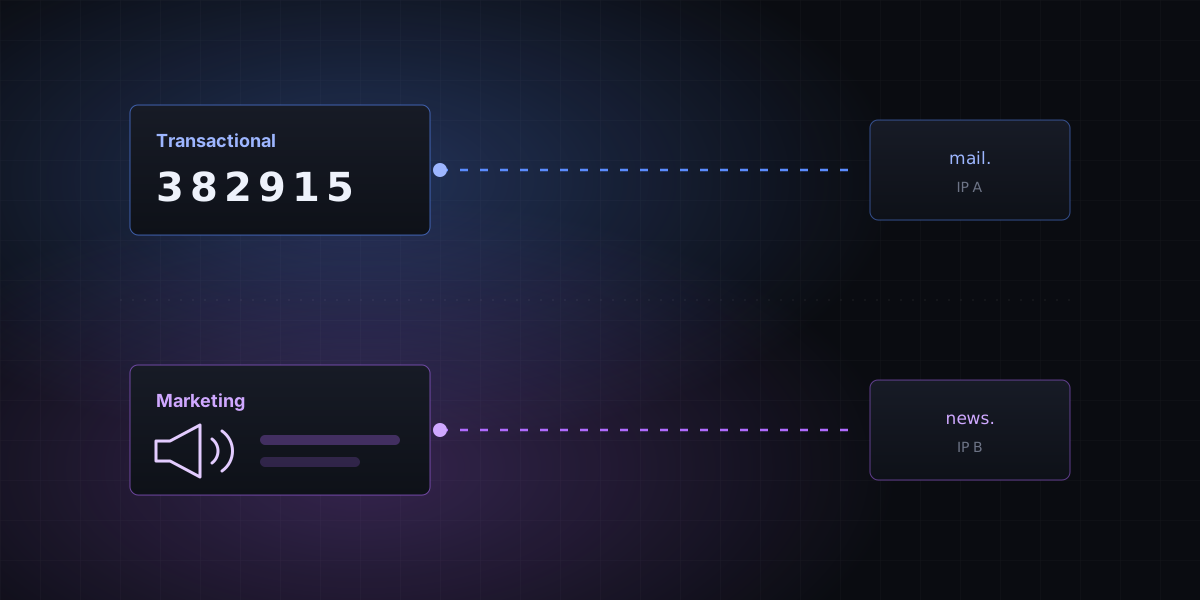
| IPs for free vs. paid users | Separate sending IP pools | See their website |
| Ecosystem | Focused on the sending API | More companion tools such as React Email |
How to choose
Choose BulkMail if
- Your team works in Chinese, or in both Chinese and English.
- You don't have an international credit card, or you'd rather pay with USDT, Alipay or WeChat Pay.
- You care whether free and paid users share sending IPs.
Choose Resend if
- You already use React Email and want tight integration with your sending service.
- You want a wider set of companion features and a larger English-speaking community.
Moving over from Resend
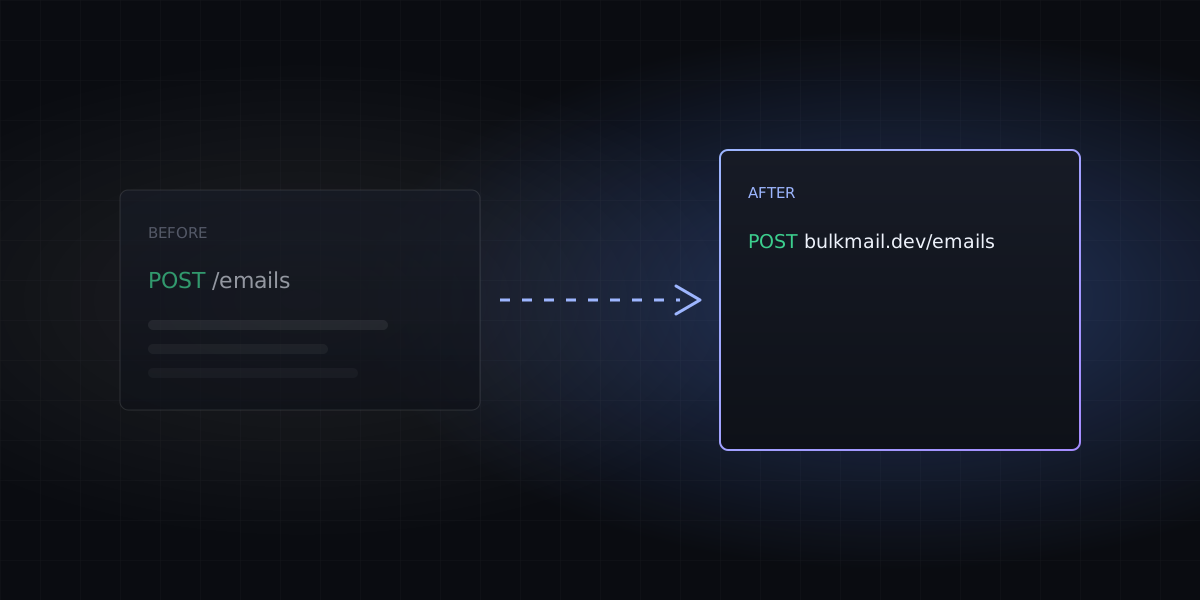
The request format is nearly identical. You mainly change three things:
- Change the endpoint to
https://bulkmail.dev/emails. - Swap in an API key created in the BulkMail dashboard.
- Add and verify your sending domain in BulkMail. The DKIM selector is different, so you can keep your old records without conflict.
await fetch("https://bulkmail.dev/emails", {
  method: "POST",
  headers: { Authorization: "Bearer mk_your_api_key", "Content-Type": "application/json" },
  body: JSON.stringify({
    from: "Acme <hello@acme.com>",
    to: "user@example.com",
    subject: "Welcome aboard",
    html: "<p>Thanks for signing up!</p>",
  }),
});
To try it, just sign up free. You get 100 free emails a day.