There are two ways to send email from code: connect to an SMTP server yourself, or call an email provider's HTTP API. We'll write both, then talk about which to pick.
Option 1: connect to SMTP
Node.js (nodemailer)
import nodemailer from "nodemailer";

const transporter = nodemailer.createTransport({
  host: "smtp.example.com",
  port: 587,
  auth: { user: "you@example.com", pass: process.env.SMTP_PASSWORD },
});

await transporter.sendMail({
  from: '"Acme" <you@example.com>',
  to: "user@example.com",
  subject: "Your verification code",
  text: "Your code is 382915. It expires in 10 minutes.",
});
Python (smtplib)
import os, smtplib
from email.message import EmailMessage

msg = EmailMessage()
msg["From"] = "Acme <you@example.com>"
msg["To"] = "user@example.com"
msg["Subject"] = "Your verification code"
msg.set_content("Your code is 382915. It expires in 10 minutes.")

with smtplib.SMTP("smtp.example.com", 587) as s:
    s.starttls()
    s.login("you@example.com", os.environ["SMTP_PASSWORD"])
    s.send_message(msg)
SMTP's advantage is that it works everywhere, with almost any mailbox. The downsides are slow connections and unhelpful error messages. Also, many cloud servers block port 25 by default, so mail often stops working once you deploy.
Option 2: call an email API
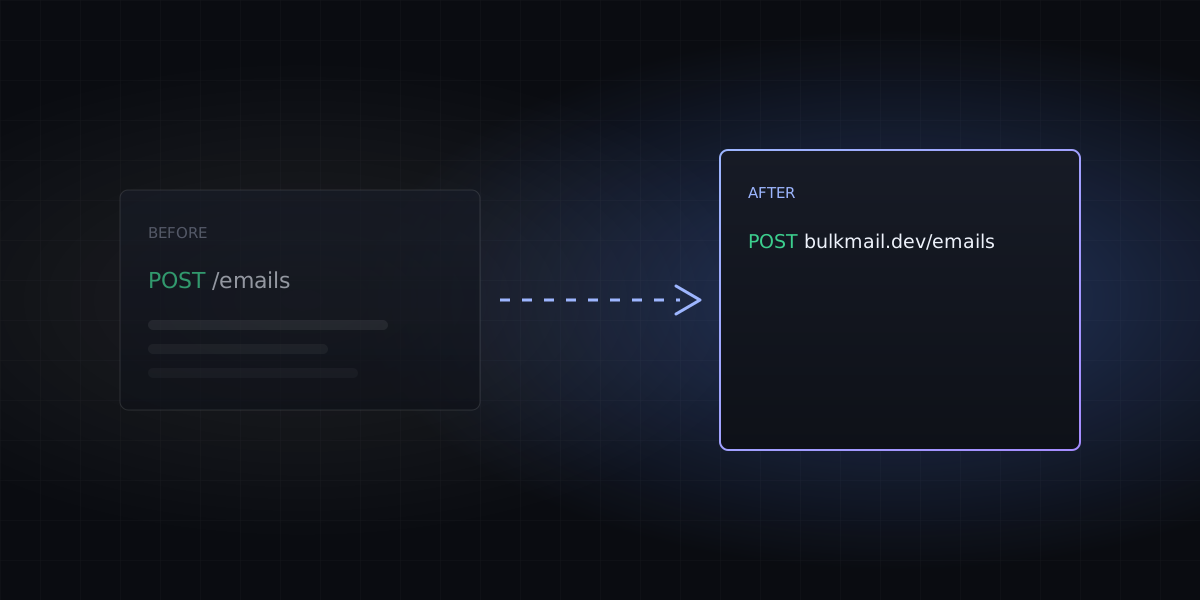
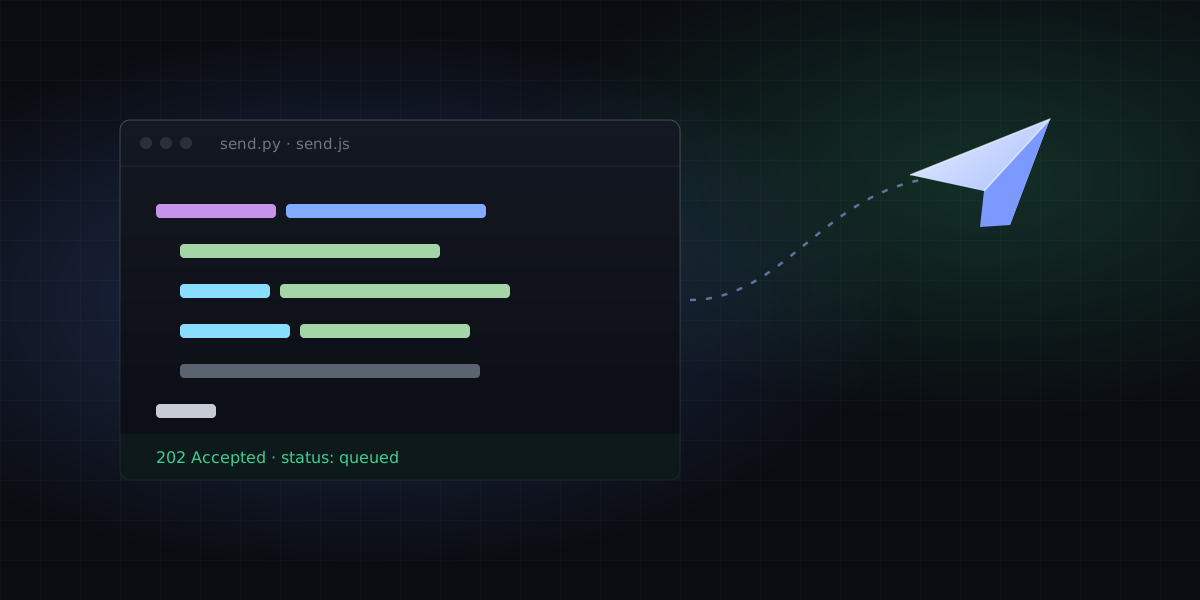
An API uses ordinary HTTPS requests, so ports aren't an issue. You get structured responses back, and delivery status is easier to get.
Node.js
const res = await fetch("https://bulkmail.dev/emails", {
  method: "POST",
  headers: {
    Authorization: `Bearer ${process.env.BULKMAIL_API_KEY}`,
    "Content-Type": "application/json",
  },
  body: JSON.stringify({
    from: "Acme <hello@acme.com>",
    to: "user@example.com",
    subject: "Your verification code",
    text: "Your code is 382915. It expires in 10 minutes.",
  }),
});
if (!res.ok) throw new Error((await res.json()).error);
const { id } = await res.json();
Python
import os, requests

r = requests.post(
    "https://bulkmail.dev/emails",
    headers={"Authorization": f"Bearer {os.environ['BULKMAIL_API_KEY']}"},
    json={
        "from": "Acme <hello@acme.com>",
        "to": "user@example.com",
        "subject": "Your verification code",
        "text": "Your code is 382915. It expires in 10 minutes.",
    },
    timeout=10,
)
r.raise_for_status()
print(r.json()["id"])
When things go wrong
| Response | Cause | What to do |
|---|---|---|
4xx | Bad parameters, unverified domain | Retrying won't help. Log it and fix the code |
429 | Over quota | Don't retry right away. Wait for the quota to reset, or upgrade |
5xx / timeout | Temporary failure | Retry with exponential backoff: 1s, 2s, 4s |
Which one to use
For personal scripts and reminders to yourself, SMTP through your own mailbox is fine. For sending to users in a real product, use an API: no port restrictions, a delivery log, automatic bounce handling, and problems are easy to trace.